Are you a gamer, or a writer? Maybe you just decided you want to give freelancing a try. And want to test your typing speed and accuracy. Most of the writing jobs require good typing speed to deliver on time. Having a faster WPM (Word Per Minute) will help you accomplish more work done in a short time.
We have curated a list of top 10 free typing speed and accuracy test websites. Check out our article on “why typing speed matters?” to know its importance.
1. Typing.com
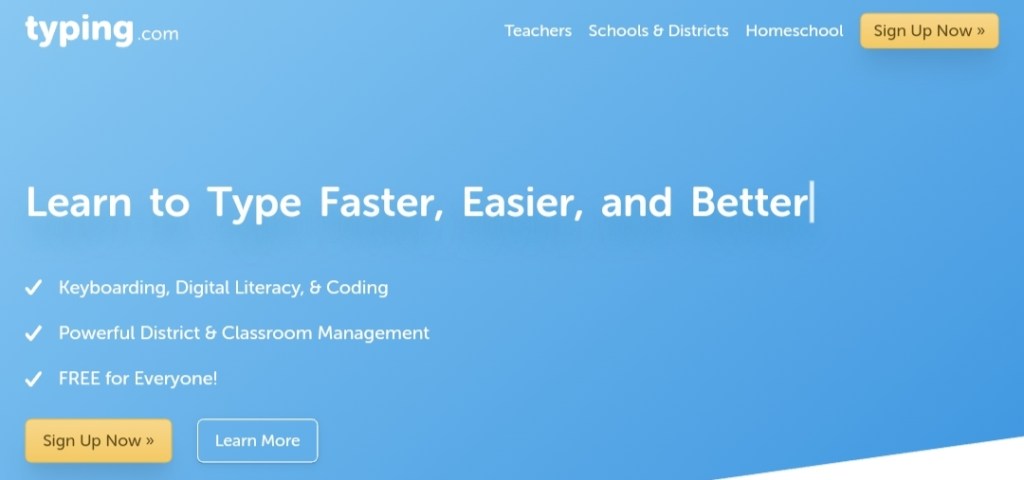
Typing.com is one of the best websites out there to test for typing speed and accuracy. You have options to choose the duration of a typing test in 1, 3 or 5 minutes along with the length of the test, which varies from 1 to 3 pages. Once you are done selecting the format, you are all set. You can begin typing, which is very user-friendly to follow. They highlight incorrect words in red in real time. You can correct them right then or continue typing, but it may affect your accuracy.
And yes, don’t forget to turn on the sound if you love those old typewriter sounds.
2. Ratatype
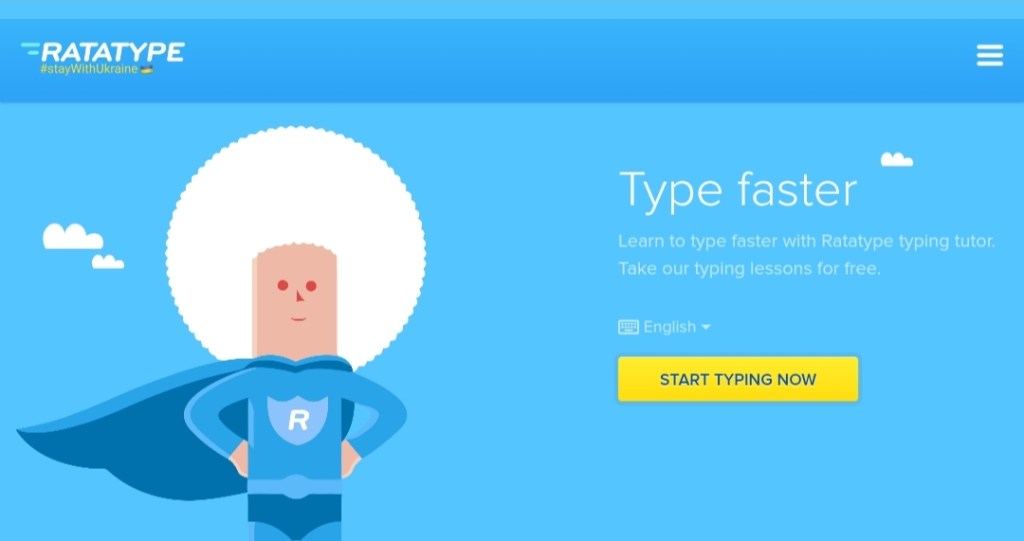
Ratatype is another great platform to check your WPM. Love a healthy competition among your friends? Then this is just the site for you. Also, at the end of the test, ratatype provides you with a certificate of your results. Its typing test includes a short piece available in your choice of language. It’s also free and easy-to-use UI makes it more appealing. You can select the course of choice you want to follow, each include around 20 lessons with up to 25 exercises each.
3. Typingtest.com
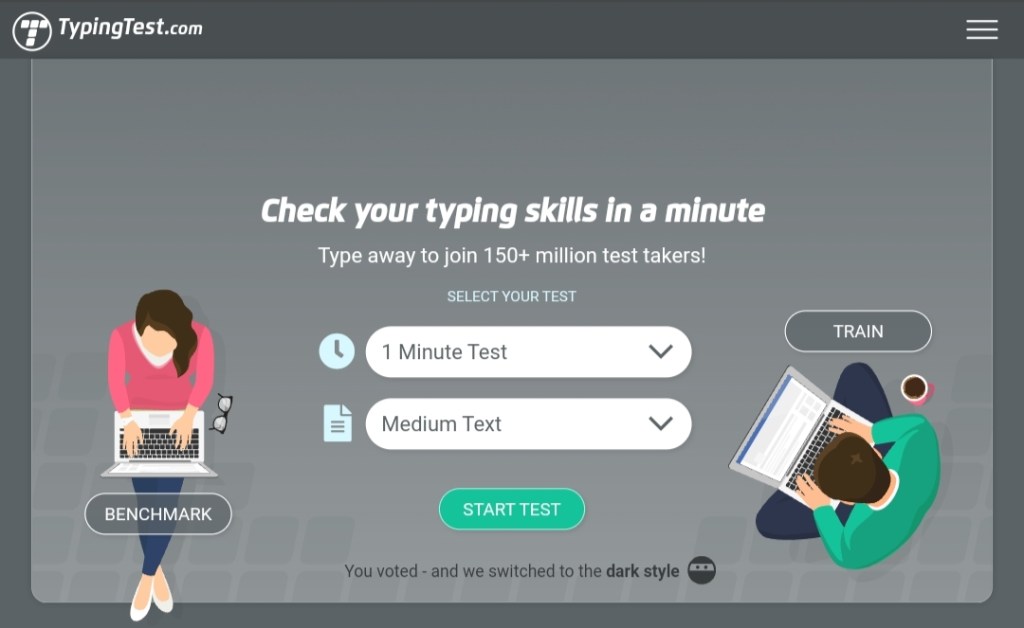
Typingtest is a classic speed and accuracy test platform. You can choose your difficulty level as easy, medium, or hard. Test varies from 1 to 10 minutes, which involves short stories along with tricky spellings. This will also help you build your vocabulary.
Typingtest also calculates your WPM and accuracy like any other, but here’s a catch: it deducts inaccurate words from your word total word count.
You can also play a typing game on this website. Which encourages user to increase their typing speed.
4. Monkeytype
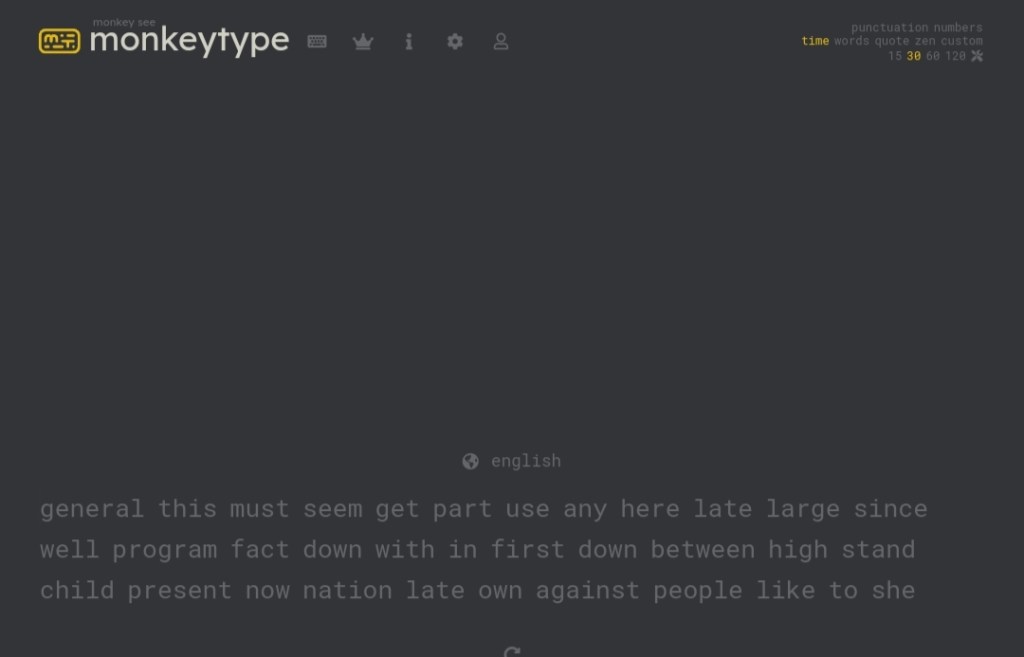
Monkeytype offers a variety of test modes and features with over 40 language options. What stands out monkeytype from its competitors is its user interface (UI). Instead of separate text field, it puts words in the same box, you’re supposed to type over it. There are lots of options you can customise to your needs. It focuses on quotes, time, punctuation, words, and numbers.
Being an open source network and user-friendly interface makes it a perfect choice for beginners.
5. Keybr
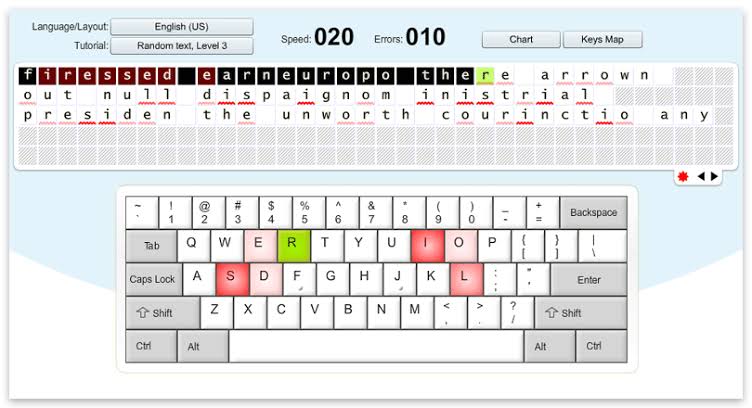
The people who can type without even looking at the keyboard always fascinated me. If you also want to aim for that, then keybr is the perfect fit for you. This website acquaints you with individual key positions. It generates random words from a set of all the letters in alphabetical series.
6. Typetest.io

You can use this website with a simple user interface to check your key speed and accuracy. It’s a favorite of mine. It is fast, with a global competitive rating system. The duration of the test ranges from 10 seconds to as long as you like.
7. Go Transcript
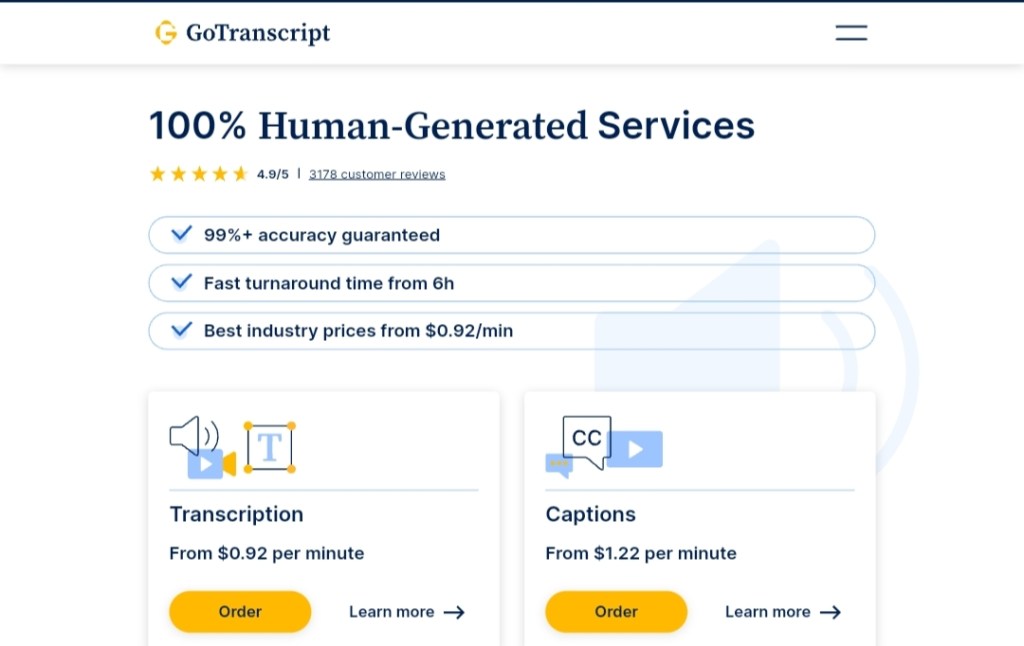
If you are a freelancer and want to expose yourself to a new field, this website will be useful. This platform also provides at transcript services. The test takes about 3 minutes, during which you will hear a speaker and transcript. It’s not as interactive as others on the list, but it’s good for getting you started in the transcription world.
8. Typeracer
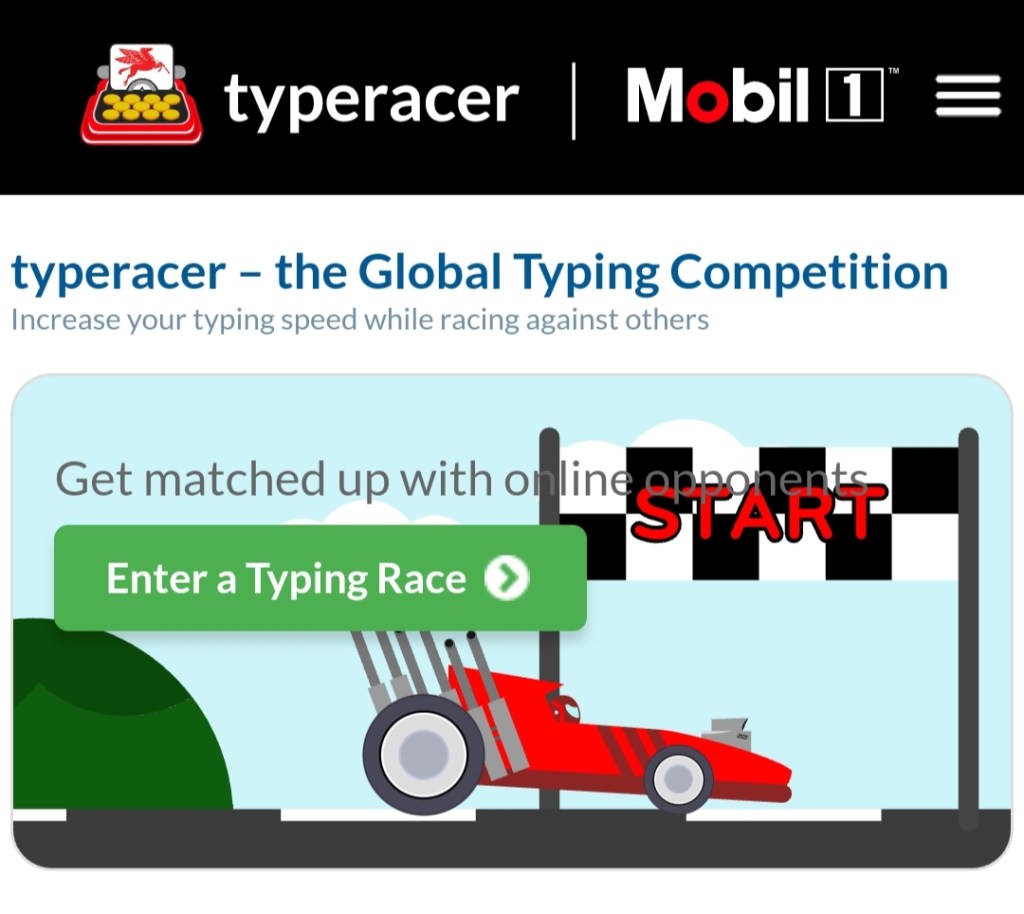
As the name implies here, you can race or compete amongst the user on a global scale. It will keep you constantly motivated to improve and define a new target for the other users. As with all other websites, it also provides you with WPM and accuracy by the end of the test.
9. Typing speed test by liveagent.com
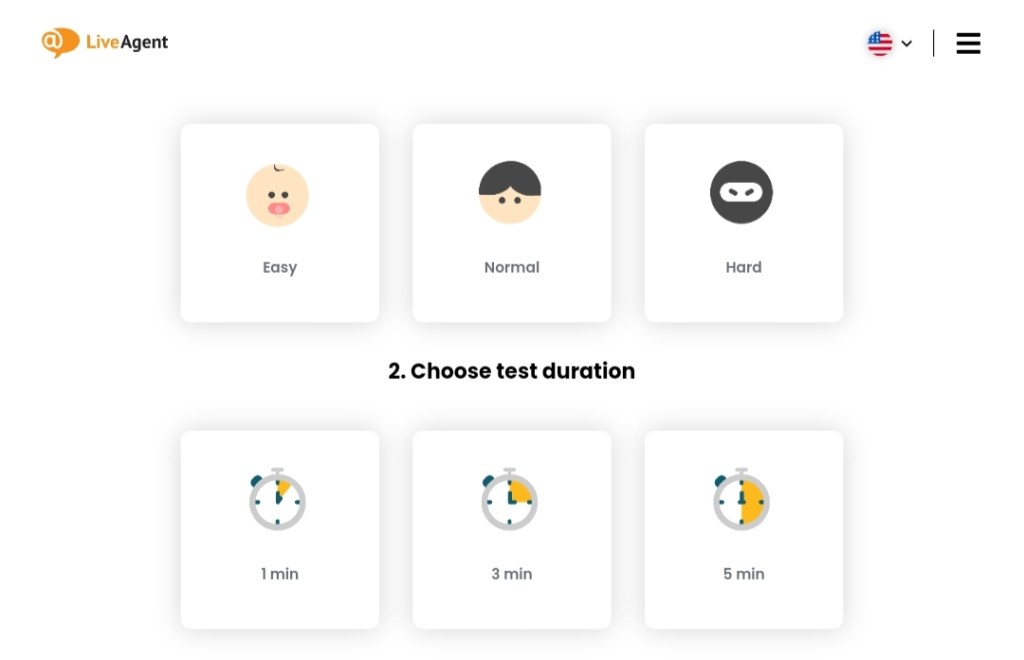
This is another great platform for testing your speed with precision. The only thing is, it won’t allow you to proceed until you type accurately. Which is great because it will tell you your actual WPM. It offers 3 easy, medium and hard modes with a duration of 1, 3, and 5 minutes.
10. Nitrotype
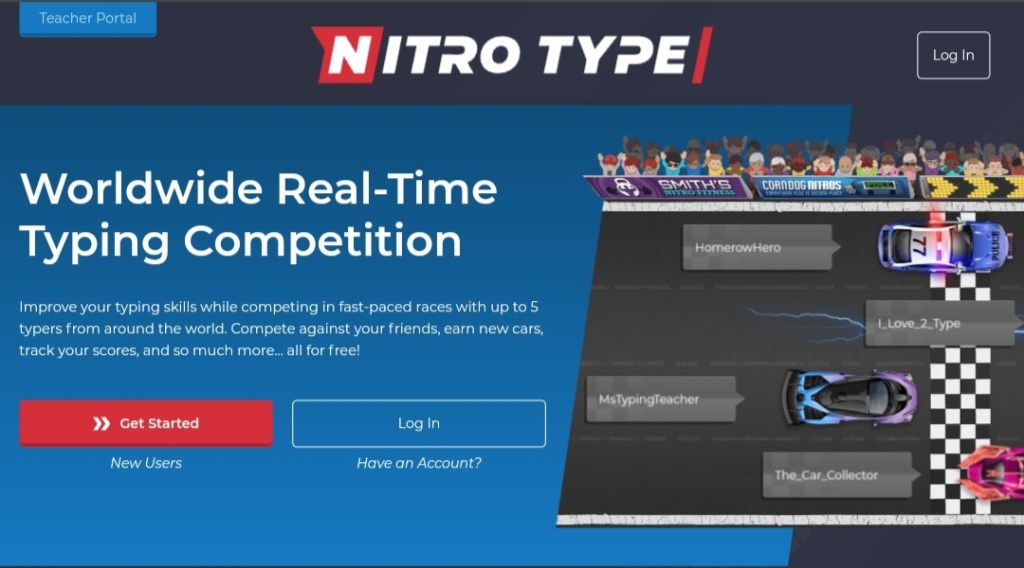
Now coming to the last but not the least is nitrotype. Here you have a Typing Master, a well-known keystroke enhancement program for Windows. You may download a free trial version from the web and start right away. The best part about it is that you can use it offline as well.
Select from the best typing website
So, that rounds up our list of top 10 typing speed test websites. Select a website which best fits your level and needs and get on with it. If I were to choose, I’d pick typing.com and keybr as they offer minimalistic UI and good functionality. What about you?
Have you taken your typing speed and accuracy test yet? If yes, please share your WPM with us in the comments section below.
And as I always say, the key to excellence is not brilliance, but persistence. So practice, practice and practice, you’ll get there.
Thanks for reading.
 Techazette